Category: Media

19 posts

Standard

Support for MediaSeal

If your company is currently using MediaSeal to encrypt your post-production media assets, rest assured, both InqScribe Mac and Windows have been whitelisted. Just enter your password as usual and InqScribe should have no problems playing your media. If you have used MediaSeal previously, you may find that you need to reboot to force MediaSeal…

Read more
Image

Guest Blog: Translating Russian Cinema with InqScribe

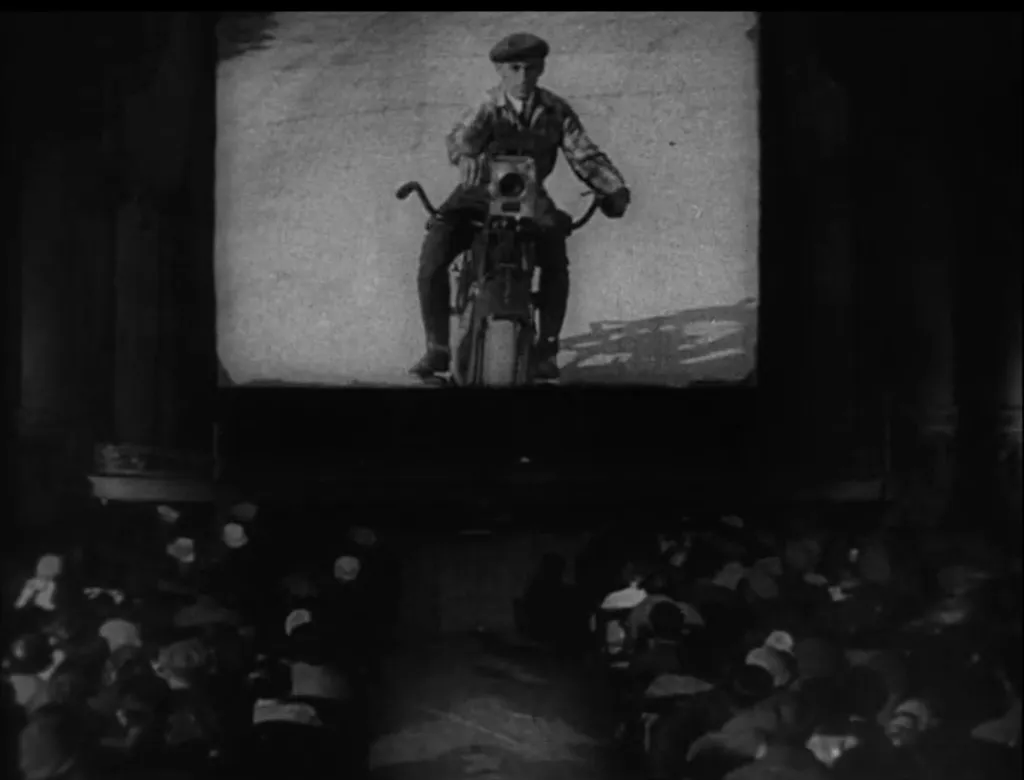
Kino Klassika uses InqScribe to bring Russian film culture to new audiences. By: Olga Doletskaya, Season Manager at Kino Klassika Founded in 2015, Kino Klassika Foundation is the only independent organisation in the world dedicated to cinema from Russia, the Caucasus, and Central Asia. We create programs of restorations, publications, art commissions, and events to…

View photo

Windows QuickTime Vulnerabilities

By now, you may have heard about the security vulnerabilities posed by QuickTime for Windows. Given the security vulnerabilities, if you’re a Windows user, we highly recommend uninstalling QuickTime. What does this mean for Windows InqScribe users? You will still be able to play and transcribe most media that Windows Media Player supports. For more…

Read more

How to Convert an Audio File

Have you ever come across an audio file that won’t play in InqScribe? Although InqScribe supports a wide variety of formats (generally anything that will play in QuickTime 7 or Windows Media player 11), one day you may run into an audio file that won’t play correctly. If this happens, don’t panic, you can usually…

Read more

What is a Codec Anyway?

If you work at all with digital video, you’re bound to run into issues of media compatibility. What makes a video incompatible? Will it work in InqScribe? It’s a complicated subject. In this post, we’ll explain a few key terms that should help you understand how digital video works (and sometimes, how it doesn’t work).…

Read more

Video Conversion Tools

Sometimes you go to transcribe your video in InqScribe only to find that InqScribe won’t play that video type. InqScribe relies on the QuickTime 7 or Windows Media Player 11 specs for media playback, and is able to play most anything that can be played in those players. But if your media is not supported…

Read more

Comparison: InqScribe vs. Express Scribe

At InqScribe, we strive to create the best, most reliable transcription software. But, as some of you are aware, we aren’t the only ones on the market. You may even use a combination of other transcription tools alongside InqScribe in your line of work. To help clarify and distinguish InqScribe from the competition, we thought…

Read more

Guest Blog: Using InqScribe to Record the Wabanaki Experience

Many nonprofits use InqScribe to help transcribe interviews and spread their message. In this guest blog, Rachel George explains how she came across InqScribe through her work with the Maine Wabanaki-State Child Welfare TRC. By: Rachel George, Research Coordinator The Maine Wabanaki-State Child Welfare Truth and Reconciliation Commission is charged with clarifying the experiences of…

Read more

Guest blog: A Filmmaker Uses InqScribe for Translations and Subtitles

InqScribe is popular among filmmakers for a variety of reasons. In our latest guest blog, Scott Squire shares his workflow to translate and create subtitles for his documentary. by Scott Squire, Independent Producer & InqScribe user Our movie, The Girl Who Knew Too Much is a feature documentary about women’s empowerment, the complexities of globalization…

Read more

Modernizing InqScribe

InqScribe is closing in on ten years old. It’s been a point of pride that InqScribe still runs on older systems -- with InqScribe 2.2, as far back as OS X 10.4 and Windows 2000. Now, however, the media playback engine changes we discussed earlier are forcing us to reconsider that approach for future versions…

Read more

Retiring QuickTime

When Apple released QuickTime in 1991, it was revolutionary. QuickTime provided a straightforward means to open and play a wide variety of audio and video formats. Over the years, Apple enhanced QuickTime, adding support for additional formats, subtitles, Windows support, and even a handful of interactive features. When InqScribe debuted (nearly 10 years ago!), QuickTime…

Read more

Using InqScribe With Dropbox to Share Media With Others

InqScribe users often work collaboratively. Since InqScribe transcripts are very small files, it’s easy to share them with colleagues -- say, as an email attachment. But media files are usually huge, and unless you have access to a shared server, sharing the media files that go with your transcript can be difficult. Enter InqScribe’s Media…

Read more

InqScribe & OSX Lion: It Works!

We have done some testing of InqScribe in Apple’s newly released OS 10.7 “Lion,” and we’re continuing to do more. The good news is that everything seems to work fine in Lion, with one easy-to-address caveat. Here is our partial report: InqScribe launches in Lion and will perform the basics — video playback, timecode insertion,…

Read more

Perian Gives InqScribe for Mac Access to Flash & More

Perian 1.2 is out, and highly recommended for users of InqScribe on MacOS. A free, open-source QuickTime component, Perian gives QuickTime– and thus InqScribe– access to many popular media formats, including Flash video (.flv), DivX, 3ivx, and many others. Alas, there is no comparable tool for Windows.

Read more

Dive into Video

If you’re at all interested in where video and audio for the web is going, this chapter by Mark Pilgrim is required reading. Mark does a great job providing background on the core cross-platform codecs that are in use today (with the cross-platform bit ruling out WMV) and talks about how HTML5 will offer native…

Read more

InqScribe and LTC

We’ve added a knowledge base entry discussing the challenges inherent in decoding linear timecode (LTC). In short: InqScribe can’t do it, we’d like to support it, but it’s really hard to do the analog-to-digital conversion. We’ll track alternative solutions on the KB page as we find them.

Read more